
Smart scale information
Once a customer opts in for a Subscription by Usage, their Recharge portal will start showing information related to their smart scale.
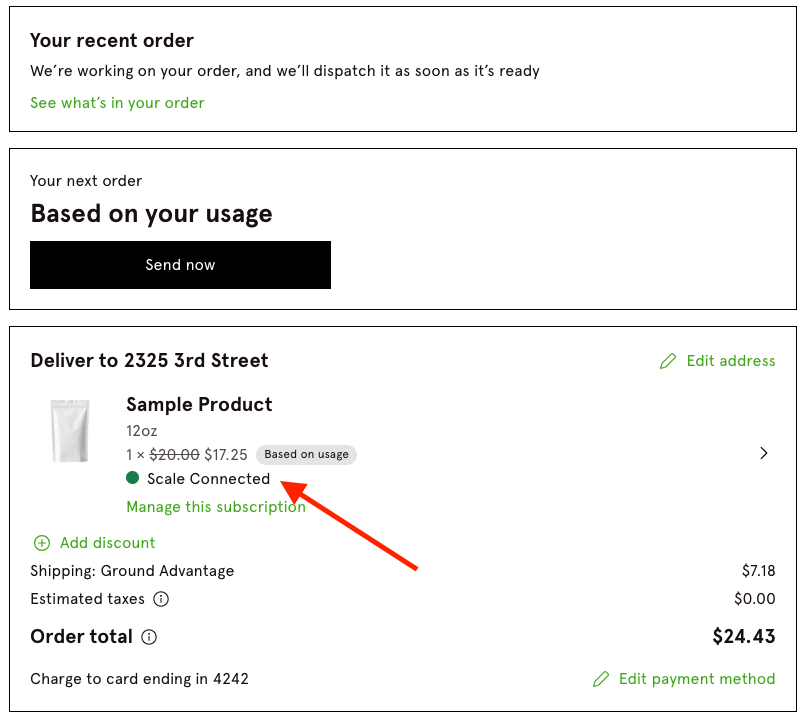
Scale statuses:
The customer portal will show different statuses based on the scale's progress:
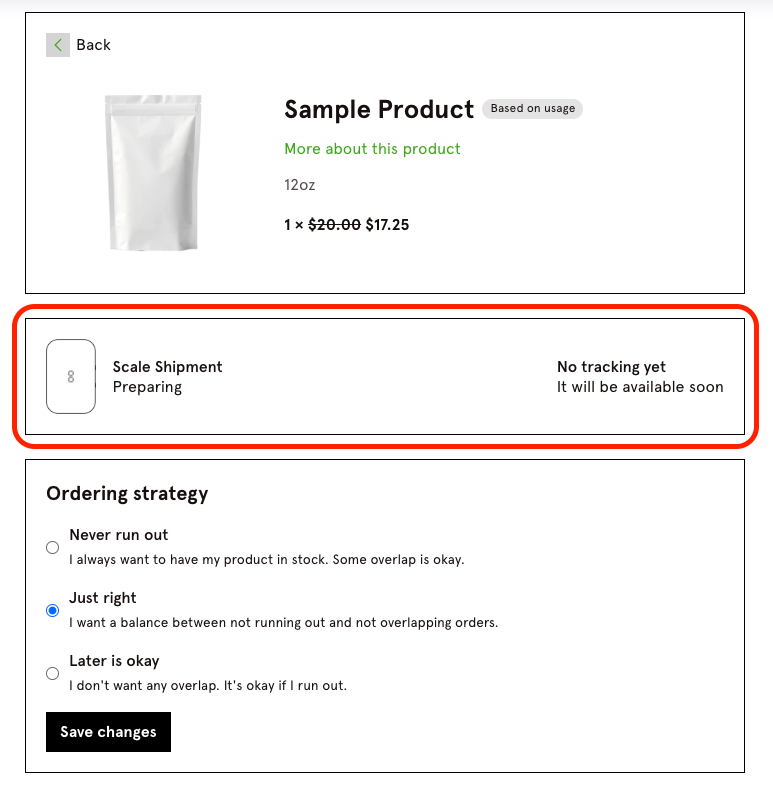
Preparing shipment
The scale is being prepared for shipping. The customer portal will display this status.
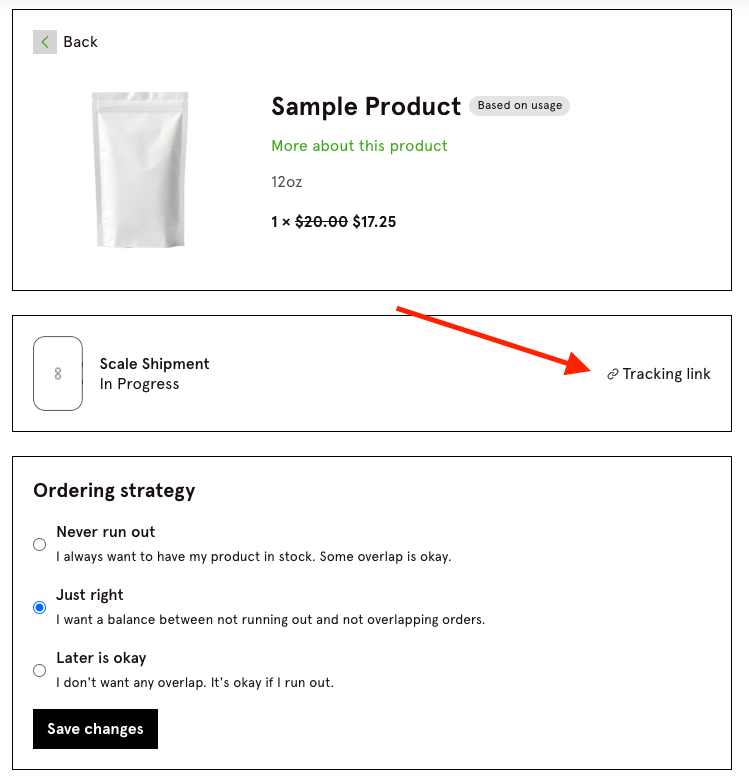
Shipped
The scale has been shipped, and the portal will update to reflect this. A tracking link will also be provided.
Connected
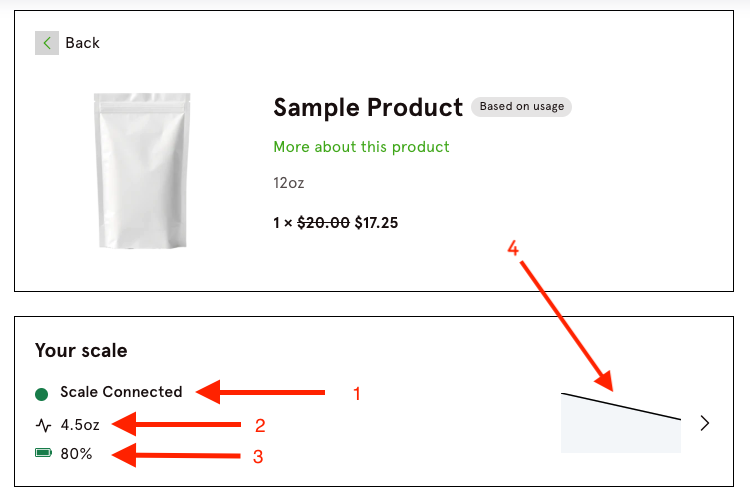
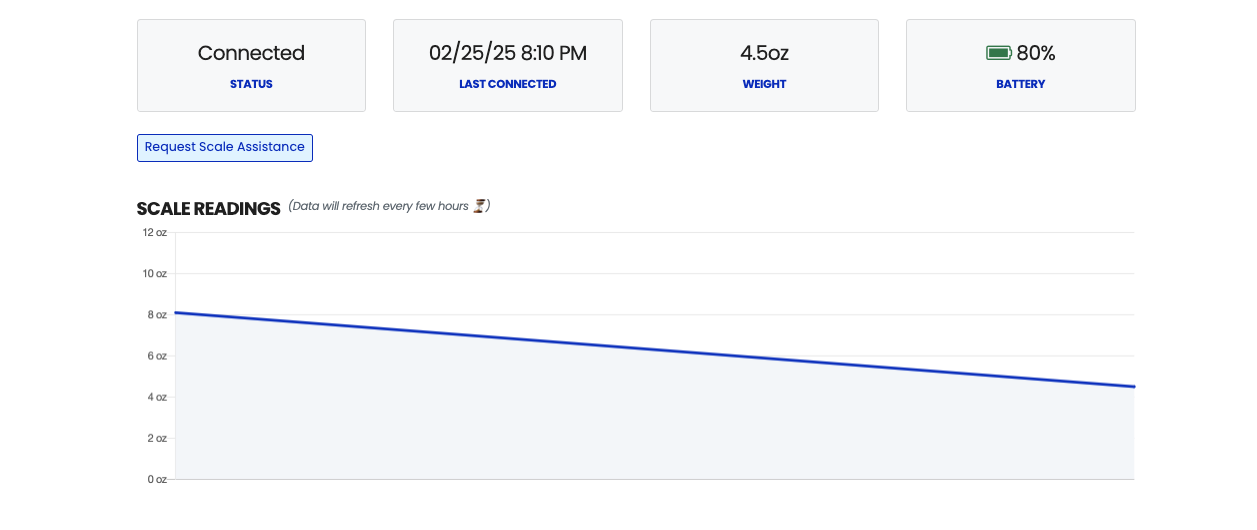
Once the customer connects their scale, additional information will appear:
Scale Status - Indicates whether the scale is connected or disconnected.
Latest Scale Weight - Displays the most recent weight reading reported by the scale.
Battery Level - Shows the current battery percentage (100% lasts approximately 1.5 years)
Scale Graph - A visual representation of the scale's weight readings. Clicking the graph redirects to the Data page, where customers can view a full graph and more details.
Data page:
Disconnected
If a customer's scale stops reporting new weight readings, the portal will display the status as Disconnected.
